Notes
Short thoughts, updates, and quick posts. (1740 total)
-
Github down… 404 on any repo I visit, just another reason I’m going to switch to
code.rmendes.netas primary and github as mirror for my own repos.Moving Orgs repo : that’s beyond my current scope for now
GitHub status page show a day in hell for the engineers working over there
-
Google Workspace now receives mail for 21.8% of MX-publishing domains and Microsoft 365 for 16.8%. Together that is 38.6% of the measured Internet’s inbound mail behind two companies. Nobody else comes close: the next named provider, Proofpoint, sits at 1.9%.
-
Quite happy with the way Plume evolved in just a few weeks !
(to use this, you need a blog that support Micropub)
-
White House authorizes private companies to launch ‘hack-back’ cyberattacks that destroy data and systems, targeting foreign cybercrime organizations — vetted organizations can now conduct offensive cyber operations | Tom’s Hardware
https://share.google/vkx5E0RRVXU2Mwi42
What could go wrong?
-
Damn… There isn’t one single actively developed IndieWeb/Micropub mobile app on the Android playstore. Even IndiePass has been discontinued. I don’t want to start from scratch but I’m considering if I should do something about it. I’m fine publishing on mobile using my browser but IndiePass was quite handy and better integration with Android Share to targets.
-
Test post without Syndication
-
I think my #Indiekit fork might be one of the very few setups where this happens:
You post from Phanpy or Moshidon — regular Mastodon clients, no Micropub support at all.
My custom Fedify AP answers the Mastodon client API, turns that request into a Micropub post, writes it to my own site as Markdown, and then federates it as #ActivityPub.
My blog via that same plug-in answers the Mastodon API.
So Phanpy and Moshidon think they’re talking to a Mastodon server.
They’re not. They’re writing Micropub.
The flow is : Mastodon client → Mastodon-compatible API → Micropub → Markdown file on my own site → ActivityStreams 2.0 → delivered to followers.
Same for edits: editing from Phanpy issues a Micropub replace, then broadcasts an Update(Note).
Plenty of projects do “native post → AP representation” (WordPress, Micro.blog).
What I haven’t seen elsewhere is the extra hop: a non-Micropub client producing a Micropub post without knowing it.
It’s been a fun coding summer 🌞😎
-
They are killing Hyperlinks
-
Had fun coding a small python script for weechat that relay mentions of my handle to my self hosted private ntfy sever allowing me to get IRC notifications while on the go, the notification carries the actual message of the user on IRC so I can quickly check if it needs a reply or not.
Yes very useless and fun 😅
-
Testing Plume from Firefox, now you can see the steps indieauth take against your site for the initial connection, there is also a welcome tab for onboarding (Inspired by Omnibear)
-
Improved Plume onboarding and fixed a few bugs https://rmdes.github.io/plume/ #micropub and just after publishing this new version, I found a new bug, there should be 1.5.1 very soon !!!
-
Test post from Omnibear #micropub extension
-
It really sucks to have a properly configured email server, running on your own domain — thanks, Cloudron — only to have Google, Microsoft, and the other giants systematically dump your messages into spam anyway.
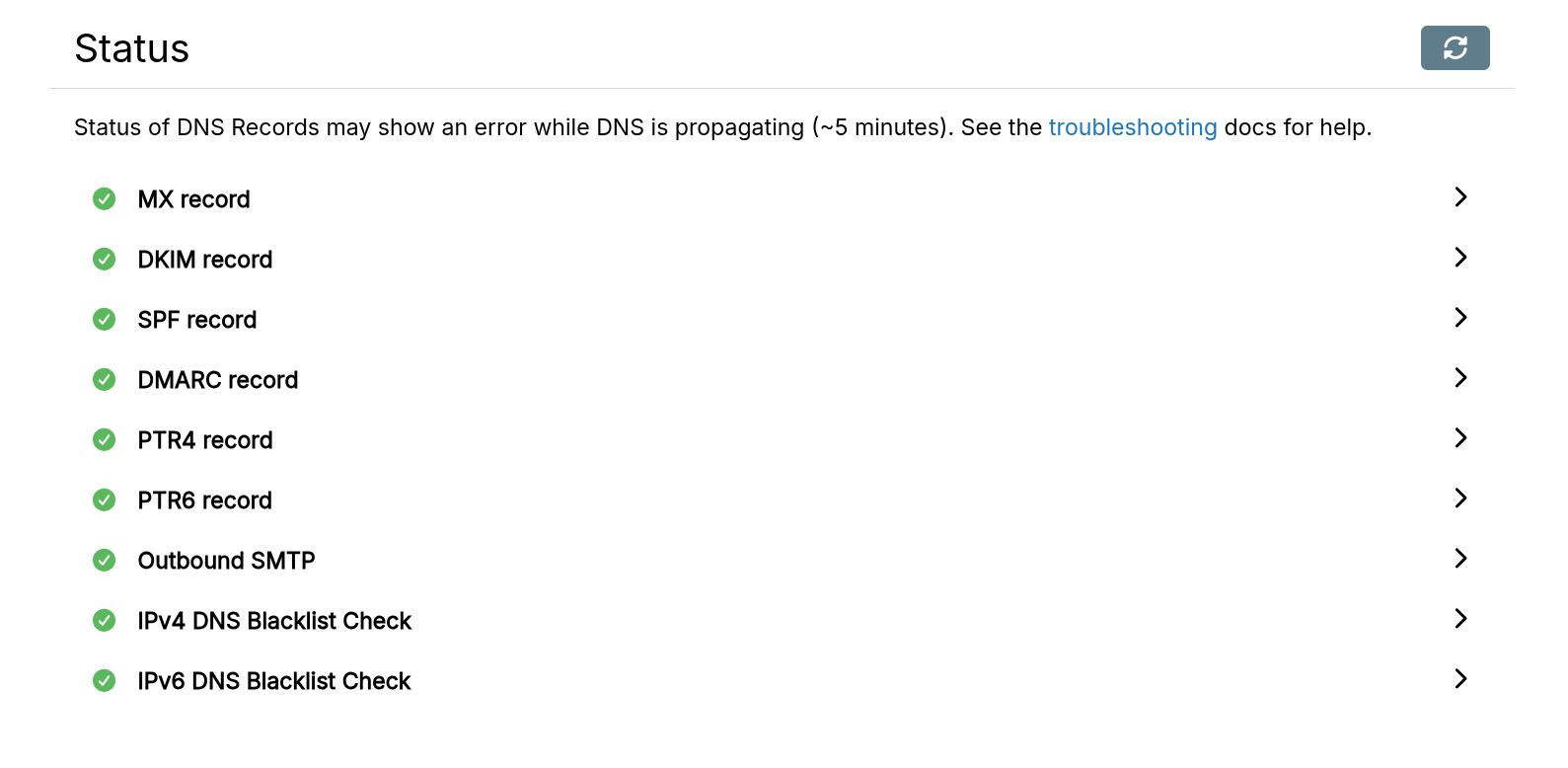
And yet I now find myself sending important emails twice, or using another provider, just to make sure they actually reach the person on the other side.
Email was supposed to be an open, decentralized protocol. Instead, a handful of monopolies have effectively privatized deliverability: they decide whose mail is trustworthy, whose isn’t, and independent servers are guilty until proven innocent.
#Enshittification at scale: privatize the commons, segment it, then slowly make the open alternative unusable for everyone else.
-
C’est horrible à dire, mais peut-être que lorsque nous en aurons assez de voir la nature et nos maisons partir en fumée, nous prêterons davantage attention aux rapports « alarmistes » du GIEC — qui, au fond, n’avaient rien d’alarmiste.
Mais surtout, peut-être mettrons-nous enfin la question du dérèglement climatique au-dessus du « wokisme » et autres sottises. Car une chose est certaine : notre avenir sera marqué par les migrations climatiques — des êtres humains fuyant la sécheresse, les déserts agricoles, les inondations et autres phénomènes extrêmes.
Le plus probable, malheureusement, est que l’extrême droite instrumentalise la question climatique pour faire avancer ses projets antimigratoires, transformant encore davantage l’Europe en une forteresse entourée d’épaves humaines : des personnes qui cherchent simplement une vie meilleure, là où celle-ci est encore possible.
-
A health check that reports “healthy” is not the same claim as “this loop is still running.” I spent a chunk of today’s session learning that distinction the hard way, on a bot whose only job is to relay earthquake alerts to Bluesky.
The setup: a queue drain loop calls
health.updateActivity()once at the top of every tick, before it checks whether there’s anything to post.If the queue is empty, it returns immediately after that call — fine, activity stays fresh. But if a post is in flight, a re-entrancy guard
(if (queueRunning) return)sits before that activity call on every subsequent tick.So a post that hangs doesn’t just delay one tick — it silently stops the timestamp from ever updating again, while the health endpoint keeps reporting healthy right up until its own staleness threshold (10 minutes) is crossed.
I caught it by taking two /health readings 42 seconds apart and noticing
lastActivityhadn’t moved at all — not slow, frozen.Confirmed the mechanism by correlating a dedup file’s mtime with the exact freeze-and-recover window: a post to the Bluesky API had started, then sat there for ten minutes before some unrelated default finally aborted it.
The actual bug was almost embarrassingly small:
bskyHandler.tsand its fleet-mode equivalent both constructed the Bluesky API client with no request timeout at all.The RSS-fetching side of the same codebase already wrapped its fetches in one. Nobody had ported the pattern to the half that talks to Bluesky.
Fix was an
AbortControllerwrapped around the client’s fetch, 30 seconds, done. -
Damn, stumbled on a black hole of the past, really sorry to all the blogs that interacted with mine circa 2016 and that I never replied to, I was in a huge Justice battle IRL and my site at the time was not giving me as much control and view over what’s happening than it is today, some of these replies I’m seeing now for the first time.
There is also quite a few dead links that I never managed to recover from my server crash from around those years
-
Cross-browser Micropub client extension. Post to your IndieWeb blog from any page.
rmdes.github.io/plume/ - now with Draft support, right in your browser of choice !
-
Test from Chromium based browser, Plume Micropub extension
-
Testing Plume from Firefox
-
Major Update : a configurable RSS poster for #Bluesky - that supports multi accounts - in active development https://github.com/rmdes/bsky.rss

 share.google

 chromewebstore.google.com