Blog
All posts including articles and notes. (2827 total)
-
Permalink
The paradox of a country governed by lawyers is that an obsession with procedure can become a weakness when confronted by authoritarianism. Whether the threat comes from corporations, the state, or an unofficial dictatorship, legalism alone is a poor defense. The United States, for all its self-congratulatory mythology about having “the best constitution in the world,” increasingly looks like a case study in democratic erosion. At times, even countries like Hungary or Turkey have shown greater institutional resilience.
-
Reading : how to destroy a literary reputation in one move?
https://www.honest-broker.com/p/how-to-destroy-a-literary-reputationPermalinkInspired by Dune’s Litany against Fear :
I must not fear AI.
Fear is the reputation-killer.
Fear of being left behind drives institutions to replace judgment with automation. Fear of losing market share drives executives to trade trust for efficiency. Fear of missing the future drives them to abandon the very people who made them worth reading.
I must not worship AI.
AI is a tool, not a conscience. It can generate words, but not wisdom. It can mimic expertise, but not earn it. It can produce content, but not trust.
I will permit AI to pass through my workflow and through my tools.
I will use it, but I will not surrender my judgment to it.
And when the hype has passed and the dashboards are forgotten, I will turn the inner eye to see what remains.
Words are abundant. Content is abundant. Information is abundant.
Trust is scarce.
If trust remains, the institution survives.
If trust is gone, no amount of generated content can bring it back.
Only trust will remain.
-
En réponse à ceci
Deuxième étape pour la France… Donner la même importance et la même visibilité à toutes les victimes plutôt que de favoriser les victimes de chanteurs, d’auteurs, de personnalités connues. La Justice française dort et ne se réveille que quand ses stars sont touchées.
Faut-il être victime d’une personnalité connue ou être d’une famille importante pour avoir le droit à la justice?
-
Quand Putin investit dans les idiots utiles pour servir ses intérêts
https://nepassubir.fr/2026/05/30/pourquoi-cnews-diffuse-la-propagande-de-lempire-russe-de-poutine/Permalink« les changements de pouvoir promis par l’administration américaine n’auront pas lieu en Russie et en Biélorussie, mais en Europe, où elle s’appuie sur les forces patriotiques de l’extrême droite, prêtes à prendre les commandes ».
-
Chaque fois qu’éclate une affaire de viol en France, j’ai la même réflexion : et si c’était un viol d’un inconnu contre une inconnue, la Justice et la société et les Médias donneraient ils la même importance qu’à Patrick Bruel par exemple?
Faut-il être un criminel avec un nom et une classe sociale différente pour qu’un viol soit considéré grave et important?
C’est tout ce que la France donne en guise de réponse par l’exercice de la pratique.
Que ce soit dans les médias ou la Justice.
La Justice de classe, elle est organisée et mise en place par les institutions, par l’État et son inertie chronique.
Elle profite directement les prédateurs au détriment des victimes.
Pendant que la presse mange des popcorns sur les décombres de vies brisées, pendant que nos sociétés sont plus intéressées par la révélation que par la souffrance des victimes, pendant que nos sociétés continuent d’asseoir les processus judiciaire sur des lois conçues pour protéger les prédateurs, des millions de cas de viols, d’abus sur des femmes et des enfants continuent.
En toute impunité
-
I got annoyed. Every time I wanted to bookmark a page or jot down a note, I’d open the Indiekit admin UI in a new tab, paste a URL, and click around. Small friction. But small friction repeats forever. So two days ago I started a brainstorm with Clau...
Read more → AI: T2/C2 -
Odd situation with buzzworkers LetsEncrypt certificate was not renewing properly, changed gandi API LiveDNS (deprecated) to PAT and forced cloudron to renew the certificate. Problem solved but in more than a decade its the first time a LE certificate does not renew properly on its own.
-
Hmm have to investigate why Bluesky sidebar widget is not updating anymore…
-
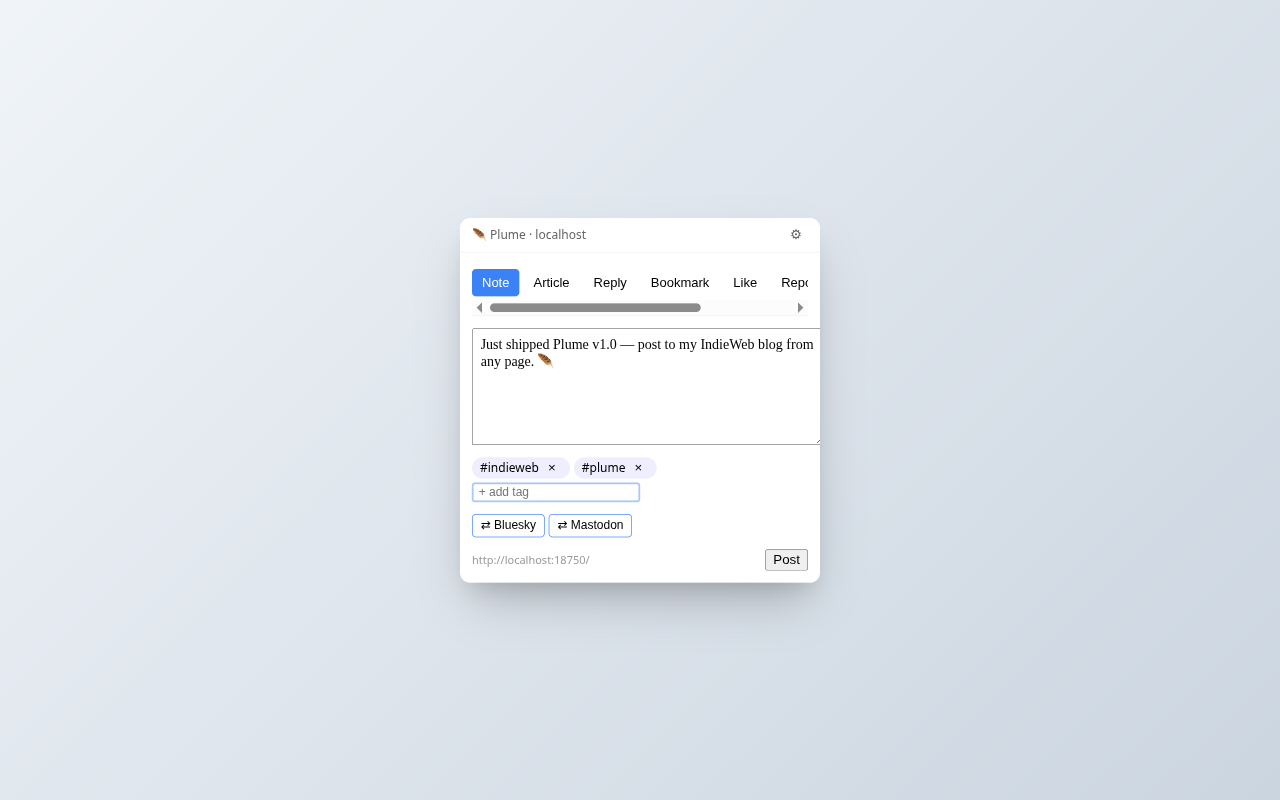
This is a test from my new Chrome/Firefox #micropub extension
-
AI: T0/C1
Updated my #Bluesky chrome/vivaldi/edge/brave extension more info here if you’re on #firefox install from the Firefox add-ons.
-
So I wanted to have a simple way to quickly find previous Claude Code sessions across different environments, in my case, two WSL instances, so I vibe coded this nice little TUI tool.
my itch was that I run claude sessions from different directories and I never remember exactly where, I didn’t wanted to change my work habit (always start claude from the same path) and I didn’t want to search which claude session have the right context, I also wanted to have my sessions properly named so that I could find ongoing sessions with ease, I wanted to be able to preview the sessions and I wanted to be able to backfill all my previous sessions so that I could list them with an easy way to get back into them with ease.
Well, https://github.com/rmdes/claude-recent is what I came up with. its probably similar to what other approach to solve this problem already do but I wanted to control exactly what the tool is doing.
Now it’s helping me on my day to day work and offload to a simple tool a problem that was creating cognitive load, sometimes loss due to fragmentation.
I’m pretty happy with the result even tho the tool is pretty rough.
feedback welcome if you end up using it !
-
Avec mon café du matin, je scroll 2 minutes la ligne du temps de ces dernières 48h et je constate que la dissonance cognitive c’est aussi aller au taf et s’occuper de sa vie comme si de rien n’était alors que le monde brûle et se consume dans d’incessantes révulsions qui me dépassent et pourtant… tout vas bien ! Bon Lundi, Bonne Semaine !
-
je rêve d’une lampe de chevet/projecteur reliée à la page Flickr de la NASA qui afficherait les dernières photos de l’univers en haute résolution sur le plafond de ma chambre.
Malheureusement les options qui existent sont cadenassées a des images prédéfinies et limitées en nombre.
il y a aussi le problème du bruit à régler, un mini projecteur serait trop bruyant sur une table de chevet.
-
-
The Trump administration should be on trial, all of them, and face the war crimes they have perpetrated. Along with Putin, Khamenei and Netanyahu. That would be a good Earth Day.
-
@svemagie@indieweb.social this one in particular is not a DM tho
 mastodon.social
 honest-broker.com
 nepassubir.fr